Wi-Fi vs Non-Wi-Fi Baby Monitors: What's the Difference?
A Wi-Fi baby monitor joins your home Wi-Fi, and 44 of the 45 we track list a phone app. A non-Wi-Fi monitor is listed with its own parent unit, and 33 of the 47 we track list a range between the two. Of the monitors we track, the non-Wi-Fi ones that list a range claim a median of 1000 feet, and the median list price is $99.97 for non-Wi-Fi versus $169.95 for Wi-Fi.
By the Cribpicks team · Published November 3, 2026 · 12 min read
We may earn a commission from links on this page, at no extra cost to you. How we make money.
Key facts
- We track 45 Wi-Fi monitor systems and 47 non-Wi-Fi video and audio monitors.
- 27 of the 45 Wi-Fi monitors include a dedicated parent screen; the rest don't list one.
- 18 Wi-Fi monitors mention a paid plan or membership in the maker's materials; 0 non-Wi-Fi monitors do.
- Non-Wi-Fi monitors list ranges from 460 to 1640 feet.
Product numbers come from each maker's published specs, from our data as last updated November 2, 2026.
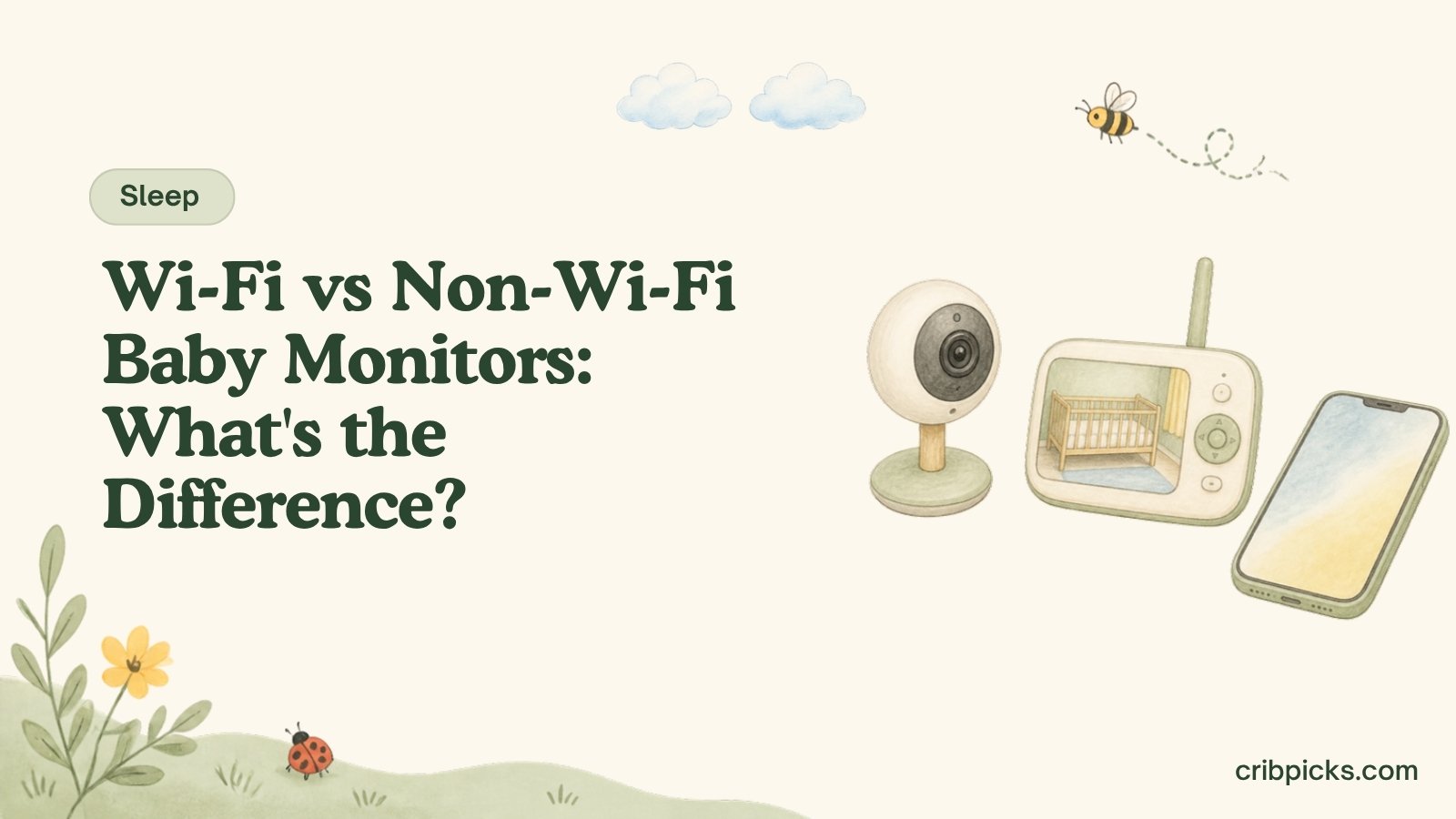
Two boxes on the same shelf. One lists an app. The other lists a parent unit.
Both show you the nursery. What changes is how the picture gets to you. Here’s the difference across 92 monitors, from the makers’ own specs.
How the two kinds connect
No Wi-Fi. The makers list a camera (or audio unit) that pairs with its own parent unit. 33 of the 47 we track list a range, in the maker’s own figure, and 1 lists an app.
Wi-Fi. The makers list a camera that joins your home Wi-Fi. 44 of the 45 we track list a phone app, 27 add a parent screen, 7 list a local or offline option, and 18 mention a paid plan. Check each maker’s page for what works without internet and what needs an account.
Side by side
| Wi-Fi45 we track | No Wi-Fi47 we track | |
|---|---|---|
| List prices we track | $69.99 to $499 | $18.99 to $299.99 |
| Median list price | $169.95 | $99.97 |
| List a range | 17 of 45 | 33 of 47 |
| Median listed range | 1000 ft | 1000 ft |
| Include a parent screen | 27 of 45 | 36 of 47 |
| Median parent screen | 5 in | 5 in |
| Median listed battery | 10 hr | 10 hr |
| Work with a phone app | 44 of 45 | 1 of 47 |
| Mention a paid plan | 18 of 45 | 0 of 47 |
| List encryption | 22 of 45 | 1 of 47 |
| Support more than one camera | 9 of 45 | 16 of 47 |
| Try one | CuboAi Smart Baby Monitor 3 eufy Baby Monitor C10 | Babysense HD S2 Babysense V43 |
Find monitors by connection
Tap your answers. We list the monitors we track whose makers publish those specs, lowest list price first.
Matches use each maker’s published specs. “No app listed” leaves out monitors whose maker lists an app. Monitors without a listed price are left out when you set a budget. Check the maker’s label and manual.
Going Wi-Fi: phone only, or a screen too?
27 of the 45 Wi-Fi monitors we track add a parent screen. The rest don’t list one.
| No parent screen listed18 we track | Phone plus a screen27 we track | |
|---|---|---|
| List prices we track | $69.99 to $389.99 | $99.95 to $499 |
| Median list price | $129.99 | $169.95 |
| Screen sizes listed | Not listed | 4.3 in to 10.1 in |
| Mention a paid plan | 8 of 18 | 10 of 27 |
| List a local or offline option | 2 of 18 | 5 of 27 |
| Come with two cameras | 1 of 18 | 5 of 27 |
| Try one | CuboAi Smart Baby Monitor 3 eufy Baby Monitor C10 | Harbor Baby Monitor (With Dedicated Monitor) Hubble GoBaby AI Portable Pro |
Range on non-Wi-Fi monitors
Only 17 of the 45 Wi-Fi monitors list a range, so this is a non-Wi-Fi number. It’s the maker’s own figure; if the product page says how it was measured, read that too, and try it in your home.
Which non-Wi-Fi monitors list the longest range?
Feet, from each maker’s specs. Top 15.
- Momcozy BM031,640 ft
- Momcozy BM03 with 2 Cameras1,640 ft
- Motorola PIP12 Travel Audio Baby Monitor1,500 ft
- Motorola PIP15 Multi HD Audio Baby Monitor1,500 ft
- Panasonic KX-HN4101W Video Baby Monitor1,500 ft
- VTech DM1211 Enhanced Range Digital Audio Baby Monitor1,500 ft
- VTech DM1211-2 Enhanced Range Digital Audio Baby Monitor with 2 Parent Units1,500 ft
- Babysense HD S21,000 ft
- bonoch MegaView Baby Monitor 7" 720p 2-Cam Kit1,000 ft
- Infant Optics DXR-8 PRO1,000 ft
- Infant Optics DXR-8 PRO SS Split-Screen1,000 ft
- Motorola AM21 Audio Baby Monitor1,000 ft
- Motorola AM24 Audio Baby Monitor1,000 ft
- Motorola PIP10 Audio Baby Monitor1,000 ft
- Motorola PIP11 Audio Baby Monitor1,000 ft
Paid plans, in the makers’ words
18 of the 45 Wi-Fi monitors mention a plan or membership. Summarized from each maker’s listing:
- Harbor Baby Monitor (With Dedicated Monitor): Core features need no subscription; optional AI add-on $14.99/mo after 14-day trial
- Hubble AI Vision, Hubble AI Vision Twin, Hubble GoBaby AI Cam, Hubble GoBaby AI Portable, Hubble GoBaby AI Pro, Hubble GoBaby AI Pro Twin: Optional paid membership adds extended cloud storage, advanced AI alerts and sleep insights
- Hubble GoBaby AI Portable Pro: Paid subscription is optional (Smart Monitoring Membership)
- Hubble Nursery Pal Cloud Touch: Paid subscription is optional; basic viewing free
- Hubble Nursery Pal Deluxe Twin: Optional paid Smart Monitoring Membership; basic viewing, two-way talk and live streaming free
- Hubble Nursery Pal Dual Vision: Paid membership optional; basic video, two-way talk and live streaming free
- Miku Pro Smart Baby Monitor: Optional Miku Membership for advanced analytics and video storage
- Motorola PIP1710 Connect: Optional BeyondCry cry-translation plan
- Yogasleep Vue Video and Audio Smart Baby Monitor and Sleep Coaching System: Free plan included; Premium trial for 30 days, then optional Premium at $9.99/mo
Plan details and prices change. Check the maker’s pricing page before you buy.
Every monitor in one table
Lowest list price first. From each maker’s published specs. A dash means the maker doesn’t list it.
Which fits your days
Skipping apps. 46 of the 47 non-Wi-Fi monitors we track don’t list an app.
Nursery two floors away. Compare the listed range with your floor plan. For a Wi-Fi monitor, check the maker’s page for what it needs from your network.
Two rooms. 25 monitors we track list support for more than one camera.
Viewing away from home, or sharing with a grandparent. Read how each Wi-Fi monitor connects and shares on the maker’s page; 7 list a local or offline option.
If you choose Wi-Fi: account basics
- Use a strong, unique password for the monitor’s app account.
- Turn on two-step sign-in if the app offers it.
- Install app and firmware updates when the maker releases them.
- Secure your home Wi-Fi with its own strong password.
- Read the maker’s privacy policy for where video is stored and for how long. 7 Wi-Fi monitors we track list a local or offline option.
Before you buy
- Decided whether you need away-from-home viewing
- Listed range checked against your floor plan
- Number of cameras you need
- Parent screen or phone only
- Plan or membership terms read
- Account and Wi-Fi passwords set
- Recall search done with the model number and date code
Browse video monitors, Wi-Fi monitors and audio monitors, compare two with compare monitors, or read how to choose a baby monitor.
Questions parents ask
Answers come from makers' published specs and official sources linked below.
Do non-Wi-Fi baby monitors work without internet?
The non-Wi-Fi monitors we track are listed with their own parent unit rather than a home Wi-Fi connection. Check each maker's page for what the monitor needs.
Can I watch a non-Wi-Fi baby monitor on my phone?
The non-Wi-Fi monitors we track are listed with their own parent unit, and a few also list an app. The table in this guide shows whether each maker lists an app, so check the type and app columns.
Do Wi-Fi baby monitors need a subscription?
Not always. Some makers sell a paid plan for extra features. See the paid plans section for each maker's wording.
How far does a non-Wi-Fi baby monitor reach?
Makers list a range; see the range chart in this guide for each model. It's the maker's own figure, so test it in your house.
How do I set up a Wi-Fi baby monitor account?
Use a strong unique password, turn on two-step sign-in if offered, keep the app updated, and read the maker's privacy policy. The side-by-side shows how many makers list encryption.
Which is cheaper, Wi-Fi or non-Wi-Fi?
Compare the median list prices in the side-by-side above, and add any paid plan you want to the Wi-Fi total.
Still wondering? Write to us at hello@cribpicks.com and we'll look it up.
Sources
Policies and specs change. We list the date we last checked each one; confirm with the airline or maker before you travel or buy. Read our editorial policy.